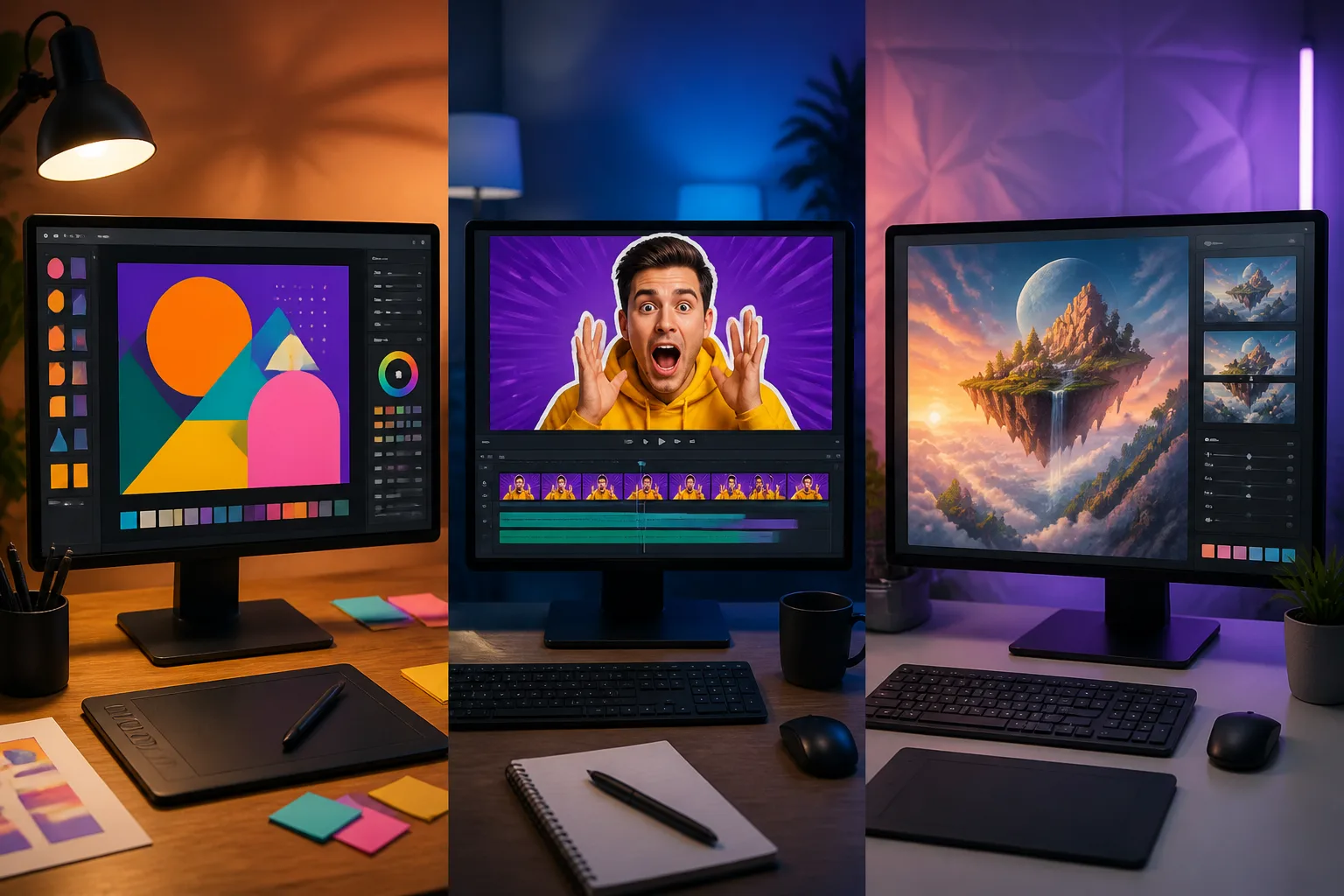

Canva, vidIQ, Pikzels, and Thumbmagic each work as a thumbnail maker for different faceless YouTube workflows, but the available claims don’t establish one best tool or a definitive ranking. Canva combines templates and AI design, while vidIQ and Thumbmagic accept video-related inputs; Pikzels offers prompt-based generation. YouTube Test & Compare can test up to three options.
Channel facts
- vidIQ’s free plan includes credits per month, described as covering six generations, regenerations, or edits at credits each.
- Canva’s Free plan lists up to monthly uses of its generator tools.
- YouTube Test & Compare supports up to three thumbnail options and can run for up to two weeks.
- The recommended thumbnail export is 1280×720 JPG or PNG under MB.
Your takeaways
- Prioritize layers, text effects, face cutouts, and reusable templates when choosing a maker.
- Use a master template with marked safe zones, then swap the background, crop, and 3–5 words for each video.
- Compare free-plan allowances carefully because they use different measures, including credits, generator uses, and trial credits.
- Use YouTube Test & Compare for up to three options and judge its winner by watch-time share.
- Pick the thumbnail maker that fits your design workflow, then test it on a few real videos.
What features make a thumbnail maker suitable for faceless YouTube thumbnails?
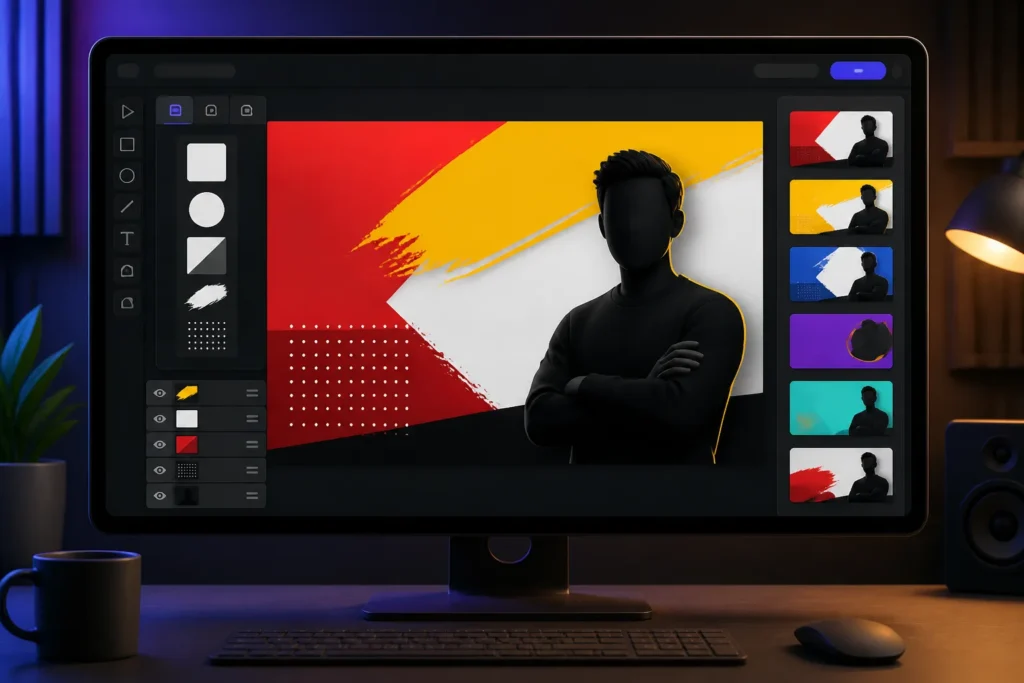
A suitable thumbnail maker gives you precise layout control, not just an AI image button. When you pick a thumbnail maker, prioritize layers, text effects, reusable templates, and the ability to cut out or position visual elements; those controls matter more than AI gimmicks alone. Canva can suggest thumbnail ideas from a description of a long-form video or reel, and its Magic Eraser removes unwanted image distractions.
Keep the design simple enough to read on smaller screens and avoid excessive text. A strong faceless YouTube thumbnails design should add visual information to the title, not repeat it; the title and image should remain relevant to each other. That relationship helps a viewer understand the video’s promise without relying on a creator’s face.
If you want a consistent channel look, Pikzels Style learns a visual identity from three existing thumbnails and applies it to new work. That can help keep faceless YouTube thumbnails recognizable while you vary the image and message for each video.
Which thumbnail makers offer the best mix of AI, templates, and YouTube-focused tools?
Canva and Pikzels combine different strengths for faceless YouTube thumbnails. Canva pairs a large YouTube template library with Magic Design AI, and its free plan is described as having basic AI features and no strict export cap. Pikzels can generate a ready-to-upload thumbnail from a plain-language prompt, or use a YouTube link to recreate a validated format with your own idea and visual.
For faceless YouTube thumbnails that need generated or edited imagery, Fotor includes AI image generation, background and object removal, image enhancement, and templates formatted for YouTube. These features make the tools relevant to different workflows: Canva provides templates and design tools, Pikzels offers prompt- and link-based creation, and Fotor combines image tools with YouTube-format layouts.
The available claims don’t establish a ranking or prove which maker is strongest overall. When you pick a thumbnail maker, compare the specific workflow you need rather than treating AI generation or template volume as a definitive quality score.
How do thumbnail makers compare on price, free-plan limits, and export resolution?
The table below compares listed free access and paid prices; the limits aren’t directly equivalent because some are credits, some are uses, and some are project counts. When you pick a thumbnail maker, treat each free tier as a way to test the workflow, then check whether its stated allowance suits your publishing needs.
The recommended export is 1280×720 as a JPG or PNG under MB. Another source gives broader format guidance for reviewed tools: 1280×720, 16:9, under MB, with JPG, GIF, or PNG exports. These are recommendations and broad guidance, not confirmed export specifications for every product in the table.
Canva lists up to monthly uses of its generator tools on the Free plan. Its Pro price is listed at $120 per year. Price and free-plan details don’t establish export resolution for all named tools, so verify a tool’s output settings before building a faceless YouTube thumbnails workflow around it.

Which maker works best for thumbnails built with text, stock images, or AI visuals?
The best fit depends on whether your faceless YouTube thumbnails start with text, supplied footage, or generated imagery. Canva lets you describe a thumbnail, choose an art-style preset, generate an image, and edit it in its editor. Magic Edit can add to, replace, or edit image content through a written prompt, while Canva’s media library includes photos, icons, graphics, and other media elements.
Thumbmagic suits a video-led workflow: it can start from a YouTube link, transcript file, or video upload, then let you adjust the template, text, colors, background, or expression. vidIQ can generate from a video, prompt, or reference image and supports inserting faces and objects. Its prompt-based edits include changing the background, adding bold text, adjusting colors, or changing the mood.
For faceless YouTube thumbnails built from library assets and hands-on edits, Canva offers a broad mix of tools; for a transcript or video input, Thumbmagic provides those routes; and for prompt or reference-image work, vidIQ covers those inputs. No cited evidence establishes one universally best choice.
What steps should creators follow to make and test a YouTube thumbnail?
A repeatable process helps you make faceless YouTube thumbnails without rebuilding the layout each time. Start with a master PSD or Canva template that marks safe zones, then duplicate it for each video. Swap the background, expression crop, and 3–5 words to tailor the version to that video.
- For Canva, describe the topic, text, and mood in a prompt; refine the result by describing changes, choosing a preset style or aspect ratio, and regenerating.
- For vidIQ, provide a video upload, YouTube link, or text prompt; its AI can scan uploaded footage for high click-pull moments or generate from a description.
- If CTR is below the channel median, batch four faceless YouTube thumbnails variants for comparison.
- Use YouTube Test & Compare to test up to three options for up to two weeks; it selects a winner by watch-time share.
Keep the layout reusable, but test distinct visual ideas rather than minor edits that don’t change the message.
What are the trade-offs of AI-generated faces, stock images, and templates?
When you pick a thumbnail maker, AI images and templates can speed up creation, but the available claims don’t settle every rights question. Canva warns that AI-generated thumbnails may not have exclusive commercial rights and that users may need to check whether permission is required.
The source describes Adobe Express Firefly as trained on licensed content, including Adobe Stock, public-domain, and openly licensed content. Another source says Adobe presents Firefly’s licensed training content as addressing copyright ambiguity. That description is not a general license for every image or asset you might add to a design.
Pikzels can generate from text prompts without requiring you to choose a template, but its output is described as less predictable than template-based work. Templates can give you a repeatable structure; prompt-led creation allows more variation. The available claims don’t establish licensing terms for arbitrary stock images or screenshots, so check the rights for those assets separately before using them in faceless YouTube thumbnails.
Can one thumbnail maker handle research, design, and A/B testing?
vidIQ combines thumbnail creation with channel analytics, keyword research, and competitor tracking, so it covers more than design for faceless YouTube thumbnails. TubeBuddy combines a thumbnail editor with its own A/B testing system, but its tests rotate thumbnails on a schedule rather than showing variants simultaneously. Full A/B testing requires its Legend tier, listed at $49 per month with annual-billing discounts.
YouTube’s native Test & Compare supports up to three thumbnail options and can run for up to two weeks, selecting winners by watch-time share. TestMyThumbnails lists a generator, rater, unlimited previews, and an A/B tester on every plan. Pikzels Score evaluates a thumbnail and title across virality, clarity, idea, curiosity, and emotion.
SnapThumb works from video words rather than footage, doesn’t select a video frame, and has no score or live A/B test. If you’re building faceless YouTube thumbnails, choose around the work you need, then master one tool before adding more subscriptions.
See it in action
| Product | Free access / plan detail | Paid-plan price |
|---|---|---|
| vidIQ | 150 credits per month, and the source says that covers six generations… | $19 per month or $16.58 per month when billed yearly and includes 2,000 credits |
| 1of10 | 60 credits per month and does not require a card | — |
| Canva | up to monthly uses of its generator tools on the Free plan | $120 per year |
| SnapThumb | 20 credits, which the source estimates as about six thumbnails | — |
| Pikzels | free access is limited | Essential tier starts at $20 per month |
| Adobe Spark | available across operating systems for free | around $100 per year |
| Fotor | — | $40 per year |
| Snappa | a free option | Pro version at $120 per year |
| Product | Stated input / workflow |
|---|---|
| Canva | generate thumbnail ideas from a description of a long-form YouTube video or… |
| Thumbmagic | start from a YouTube link, transcript file, or video upload, and lets users… |
| SnapThumb | works from the words in a video rather than its footage, does not select a video… |
| vidIQ | AI scans an uploaded video for high click-pull moments or generates a thumbnail… |
| Pikzels | generates a ready-to-upload thumbnail from a plain-language prompt in seconds… |
| Tool | Free access or plan detail | Paid price |
|---|---|---|
| vidIQ | 150 credits per month; stated to cover six generations, regenerations, or edits | $19 per month, or $16.58 per month billed yearly; includes 2,000 credits |
| 1of10 | 60 credits per month; no card required | Not stated in the available claims |
| Canva | Up to monthly uses of generator tools on Free | $120 per year for Pro |
| SnapThumb | 20 trial credits, estimated by the source as about six thumbnails | Not stated in the available claims |
| Pikzels | Free access is limited | Essential starts at $20 per month |
| Adobe Spark | Available across operating systems for free | Around $100 per year |
| Fotor | Not stated in the available claims | Pro is $40 per year |
| Snappa | Free option | Pro is $120 per year |
| Visme | Up to five parallel projects | Paid plans start at $168 per year |
| Creatopy | 10 simultaneous projects for free | Paid plans start at $17 per month |
| FotoJet | Not stated in the available claims | Pro is $40 per year |
| PixTeller | Video options are available for free | Full range of effects is $84 per year |
Faceless channel questions
- How many thumbnails can you test with YouTube Test & Compare?
YouTube Test & Compare supports up to three thumbnail options and can run for up to two weeks, selecting a winner by watch-time share.
- What size and format should a YouTube thumbnail be?
The recommended export is 1280×720 in JPG or PNG format, with a file size under MB.
- Can you use AI-generated thumbnails commercially?
Canva says its AI-generated thumbnails may not have exclusive commercial rights, so you may need to check whether permission is required.
- Can one tool handle thumbnail creation and channel research?
vidIQ combines thumbnail creation with channel analytics, keyword research, and competitor tracking.
