
Your takeaways
- Choose based on workflow fit, not brand reputation: CapCut suits faster, simpler edits, while Premiere Pro suits more complex and controlled production.
- Measure real production time and cost with the same sample video in both tools, including revisions, exports, and recurring asset costs.
- For faceless channels, judge the editor as part of the full system: ideas, scripts, voiceovers, footage, editing, thumbnails, and Shorts repurposing.
- Separate production-tool decisions from monetization expectations by verifying current YouTube rules and software plans before you publish.
- Document the workflow you choose so it can be repeated consistently or handed off to a freelancer as your channel grows.
Which editor is better for YouTube videos in 2027?
CapCut is usually the better fit if you want to turn around straightforward YouTube videos quickly, especially if you work alone or run a simple faceless workflow. Premiere Pro is usually the stronger fit if your channel needs tighter control, more detailed timelines, and a production process that has to hold up across revisions, collaborators, and multiple video formats.
CapCut vs Premiere Pro for Editing YouTube Videos in 2027 comes down to how you make videos, not which app wins on reputation. CapCut is practical for fast edits, recurring Shorts, and lighter production chains. Premiere Pro makes more sense when your videos involve more layers, stricter review standards, and a workflow that needs detailed control from rough cut to final export.
CapCut vs Premiere Pro is a comparison of two video editors for assembling, refining, and exporting YouTube content. If you publish talking-head tutorials, simple commentary videos, or faceless list videos with basic captions and music, the faster option may be enough. If you manage longer scripted videos with multiple audio elements, more footage sources, and repeat client or team feedback, the extra control matters.
The practical decision points are clear: editing speed, creative control, cost per finished video, production time, Shorts workflow, collaboration, and repeatable channel production. Those are the factors that shape whether a tool saves time or quietly creates bottlenecks a few weeks later.
That matters even more if you run a faceless channel. A solo creator may need the quickest route from script and voiceover to upload. An entrepreneur building a content business may need a workflow they can hand to a freelancer. A team producing videos at scale may care less about getting started fast and more about keeping reviews, revisions, and exports consistent.
If you are comparing CapCut vs Premiere Pro for Editing YouTube Videos in 2027, treat it like an operations choice as much as an editing choice. The right answer depends on your format, your budget, your volume, and how many people touch each video before it goes live. That is why CapCut vs Premiere Pro for Editing YouTube Videos in 2027 is really a question about your whole production system, not just the timeline view on your screen.
How do CapCut and Premiere Pro differ for YouTube editing in CapCut vs Premiere Pro for Editing YouTube Videos in 2027?
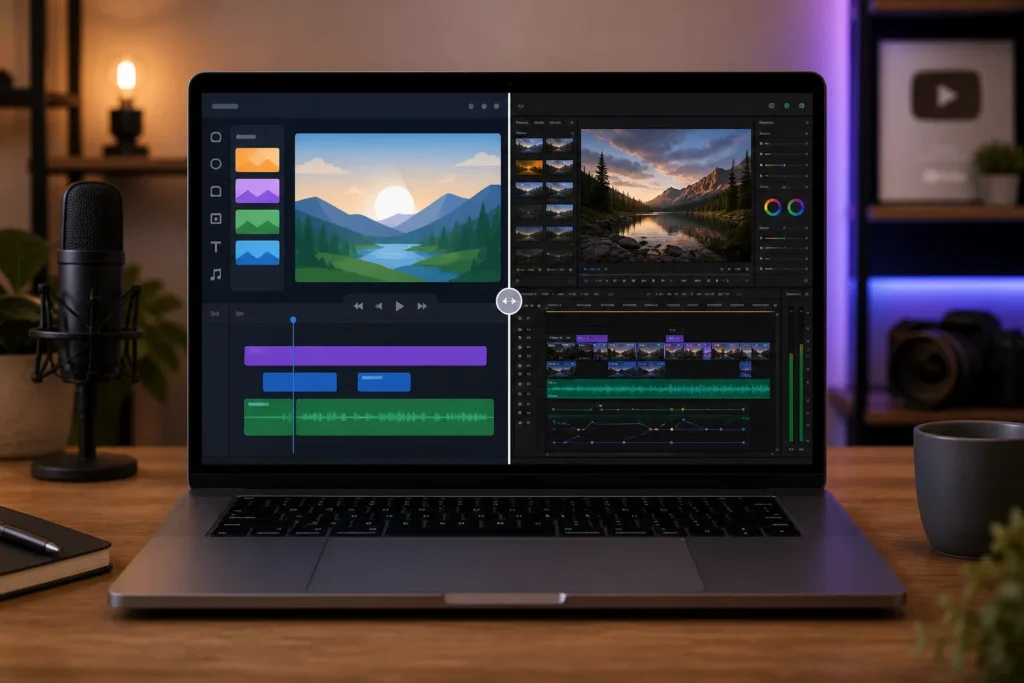
CapCut favors a simpler, more accessible editing process, while Premiere Pro gives you a more detailed editing environment for demanding projects. In practice, that means CapCut often helps you move faster through common YouTube edits, while Premiere Pro gives you more room to shape complex sequences, audio, revisions, and delivery requirements.
When creators compare tools, they often ask the wrong question. Instead of asking which editor is better in the abstract, ask what each one lets you do with less friction. That is the useful way to judge CapCut vs Premiere Pro for Editing YouTube Videos in 2027.
| Editing need | CapCut | Premiere Pro | What it means for a YouTube workflow |
|---|---|---|---|
| Learning curve | Usually easier to pick up for basic edits | Usually takes longer to learn well | If you need to publish soon, a shorter ramp-up can matter more than deep control |
| Timeline and audio control | Often enough for simple narration, music, and cuts | Better suited to detailed layer management and fine adjustments | Longer videos with more audio elements usually benefit from tighter control |
| Captions and effects | Often convenient for quick social-style edits and caption-heavy content | Better when effects and text need careful customization and consistency | Fast caption workflows help Shorts and short-form repurposing; complex branding needs more control |
| Project complexity | Works well for straightforward formats | Better for larger or more intricate projects | The more moving parts a video has, the more workflow discipline matters |
| Supported workflow stages | Good for fast assembly, trimming, captions, and basic finishing | Strong for more involved edit, review, refinement, and export processes | Think beyond cutting footage: revisions and final checks often decide which tool feels efficient |
| Repeatable production process | Can be enough for simple recurring formats | Often stronger for structured team workflows and repeatable standards | If different people handle script, edit, review, and upload, consistency becomes critical |
For Faceless Channels, the difference often shows up in the middle of production. A simple list video with AI narration, stock clips, a background track, and on-screen text may move cleanly through CapCut. A documentary-style faceless video with layered sound, pacing changes, recurring graphics, and several rounds of feedback may feel better organized in Premiere Pro.
Readers also ask two practical questions: Which is better for YouTube? and Can CapCut replace Premiere Pro? The answer to both is conditional. CapCut may be fully sufficient if your videos are short, visually simple, and built for speed. Replacement only happens if the controls you rely on today are not essential to your actual projects.
That is why CapCut vs Premiere Pro for Editing YouTube Videos in 2027 should be judged by workflow stages, not brand preference. If your production chain includes scripts, AI voiceovers, stock or AI-generated footage, captions, thumbnail coordination, and Shorts cutdowns, your editor has to fit that chain cleanly. The more your operation depends on handoffs and revisions, the less useful a simplistic winner-takes-all answer becomes.
Before you commit, verify current versions, plans, and included capabilities. Features, plan limits, and tool packaging can change. Any final choice in CapCut vs Premiere Pro for Editing YouTube Videos in 2027 should be based on the version you can actually access and the workflow you actually run, not on an old comparison video or a generic recommendation.
Which editor is faster and easier to learn in CapCut vs Premiere Pro for Editing YouTube Videos in 2027?
CapCut is often faster to start with, but Premiere Pro can be faster to finish in workflows that need more control and fewer workarounds. There is a big difference between learning quickly enough to make one usable video and building a repeatable process that produces polished videos without chaos every week.
Editing speed depends on more than the editor itself. Your time is shaped by how well your footage is organized, how long the video is, how complex the pacing and graphics are, how much captioning you need, how many revisions happen after review, and how carefully you check exports before publishing.
That is why you should measure your own workflow instead of trusting broad claims about speed. The right way to evaluate CapCut vs Premiere Pro for Editing YouTube Videos in 2027 is to track a representative project from start to finish.
- Log the edit tasks. Break the work into import, timeline assembly, audio cleanup, music placement, captions, graphics, revisions, export, and final review.
- Time one representative project. Use a video that matches your real channel format, not a random test clip.
- Record revision and export time. A tool that feels quick during cutting can still slow you down during fixes.
- Compare the total in both tools. Keep the script, assets, and quality target the same so the comparison is fair.
For a concrete faceless example, imagine a scripted explainer video. Before you even open the editor, organize the script, AI voiceover, stock or AI-generated footage, music, and graphics into named folders. Then assemble the narration first, add supporting visuals, place music, review pacing, generate or refine captions, and log how long each step takes.
That process usually reveals the real bottleneck. Maybe the edit itself is fast, but caption cleanup takes longer than expected. Maybe assembly is smooth, but exporting multiple deliverables slows the end of the job. Those details matter more than reputation when you assess CapCut vs Premiere Pro for Editing YouTube Videos in 2027.
Is CapCut good for YouTube? Yes, if it handles your actual format, quality bar, and recurring tasks without making you redo work manually. A Shorts-heavy channel with simple narration and quick visual edits may find it more than enough. A channel with denser long-form edits may not.
The smartest test is boring on purpose. Run the same project twice, note where you hesitate, and count how many manual fixes appear in each tool. That is where CapCut vs Premiere Pro for Editing YouTube Videos in 2027 becomes clear: not in the first ten minutes of editing, but in the full path from organized assets to a checked final export.
How much does each editor cost per YouTube video in CapCut vs Premiere Pro for Editing YouTube Videos in 2027?
Compare total production cost, not just the software plan. The editor’s subscription or purchase terms matter, but your real cost per video also includes labor, revisions, voiceover, footage, music, thumbnails, and any outsourced production. Verify current plan terms before you calculate because pricing and included features can change.
A simple formula keeps this grounded:
editing-tool cost allocated to a video + editor or freelancer labor + other production costs = estimated cost per finished video
If you only compare plan pricing, you miss the bigger question: which tool helps you produce a finished video more efficiently at your actual publishing volume? That is the useful way to approach CapCut vs Premiere Pro for Editing YouTube Videos in 2027.
Include every recurring cost that genuinely belongs to production:
- Editing tool cost
- Your own labor or freelancer editing time
- AI voiceover
- Stock footage or AI-generated footage
- Music
- Thumbnail creation
- Revision rounds
- Outsourced editing or channel support
Upload frequency changes the math. If you publish more often, the recurring cost of a tool is spread across more finished videos. If you post infrequently, the software cost takes a larger share of each upload. Do not assume a universal schedule. Use your planned monthly output, even if that is just a small weekly batch.
A practical way to compare both tools is to use one real sample video. Take your actual plan price for each editor, divide it by the number of videos you expect to publish during that billing period, then add the labor and asset costs for that same video. If one tool saves revision time or makes handoffs smoother, that operational difference belongs in the cost comparison too.
For faceless channels, cost often rises outside the editor itself. A channel that uses AI narration, stock visuals, branded thumbnails, and Shorts cutdowns may spend more on production inputs than on the editing software. That is why CapCut vs Premiere Pro for Editing YouTube Videos in 2027 should be measured against the whole pipeline that Faceless Channel Lab focuses on: ideas, scripts, narration, footage, editing, thumbnails, repurposing, and outsourced help where needed.
If you want a decision you can trust, compare both tools using the same deliverable, the same expected quality, your real labor rate, your revision pattern, and your actual upload plan. That turns CapCut vs Premiere Pro for Editing YouTube Videos in 2027 from a vague software debate into a clear business calculation.
Which editor works better for faceless channels and Shorts in CapCut vs Premiere Pro for Editing YouTube Videos in 2027?
The better tool is the one that supports your channel’s formats, handoffs, and publishing cadence without adding avoidable steps. For faceless channels and Shorts, the question is not just whether you can make the video. It is whether you can repeat the process across ideas, scripts, voiceovers, footage, edits, thumbnails, and cutdowns without production friction.
A faceless channel is a chain, not a single task. You may start with niche research and video ideas, then move into scriptwriting, AI voiceovers, stock or AI-generated footage, editing, thumbnail creation, and finally repurposing long videos into Shorts. The editor sits in the middle, so any weakness there can slow the whole operation.
To assess both tools properly, save a representative project and study what repeats every time. Which steps are automatic or straightforward? Which ones stay manual? Which review checks happen at the end of every long-form video and every vertical cutdown? Those repeated tasks are where CapCut vs Premiere Pro for Editing YouTube Videos in 2027 becomes a systems decision.
Use this practical review process:
- Pick one recurring format. For example, an 8- to 12-minute faceless explainer with narration, B-roll, captions, and background music.
- Build it once in each tool. Use the same script and assets.
- Track repeated tasks. Note title cards, caption cleanup, music balancing, visual swaps, and final review steps.
- Identify manual work. Reframing, duplicate exports, or repeated caption corrections are easy to underestimate.
- Document export and quality checks. Include the long-form upload and the vertical Shorts version as separate deliverables.
Shorts deserve their own test. Ask whether the workflow supports vertical reframing, caption review, pacing adjustments, and quick approval for short-form versions. Do not assume a feature exists or works the same way now as it did before. Check current capabilities before relying on them in your production plan.
Many comparisons stop at the edit screen and ignore operations. That misses the undercovered issue: how your editing choice affects a repeatable production system when you have multiple videos, formats, or collaborators. A solo creator may prioritize speed. A content business may prioritize handoffs. A channel manager may need consistency across several freelancers.
That is why CapCut vs Premiere Pro for Editing YouTube Videos in 2027 matters most when your channel starts behaving like a production line. If your editor helps the whole chain move smoothly, it is doing its job. If it adds hidden steps every time you turn a long video into Shorts, the cost shows up in missed publishing rhythm, not just software frustration.
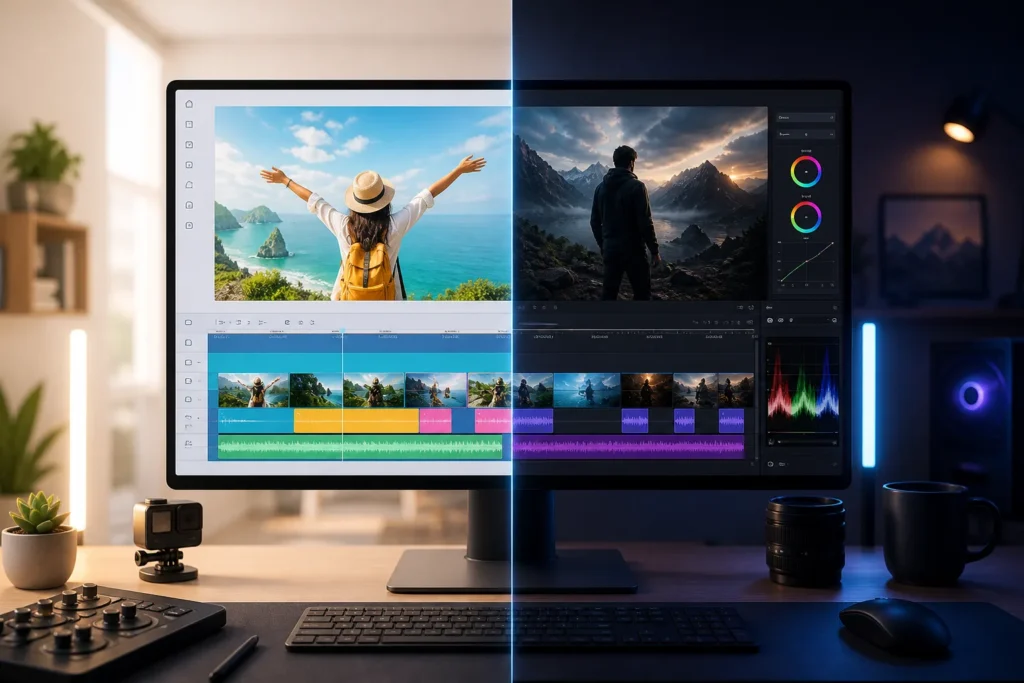
How should you choose and test an editor before committing in CapCut vs Premiere Pro for Editing YouTube Videos in 2027?
Test both editors using the same brief and the same source assets, then choose based on the finished result, total time, cost, and how easy the workflow is to repeat. A fair comparison is not a feature checklist. It is a controlled production test that matches the kind of videos your channel actually publishes.
The most useful test brief is a real YouTube deliverable. For example: a scripted faceless video with narration, supporting footage, captions, music, and one Shorts cutdown. That single job pressures the workflow in all the places that matter most for channel operations.
- Define the video format and quality bar. Decide the expected pacing, caption quality, narration clarity, music balance, and visual polish before testing.
- Gather identical assets. Use the same script, voiceover, footage, graphics, and music in both tools.
- Edit one representative sample in each tool. Keep the brief consistent so you are comparing the workflow, not changing the assignment.
- Log task time and revisions. Record how long assembly, caption cleanup, review changes, and export checks take.
- Compare the exported videos. Watch them fully, not just the first minute.
- Calculate cost per video. Include tool cost, labor, and any extra production inputs.
- Choose based on the channel’s needs. Prioritize the factors that will matter every week, not just during the trial.
A scorecard helps because it forces you to compare the things that usually get ignored until later. Rate each tool for:
- Learning effort
- Editing control
- Voiceover and footage workflow
- Revision handling
- Export review
- Team handoffs
- Total cost
If you run a faceless channel, this matters more than it does for casual editing. Faceless Channel Lab focuses on the whole workflow because the editor only solves one part of the production puzzle. If your scripts, narration, stock clips, AI-generated visuals, thumbnail process, and Shorts repurposing are all recurring, your editor needs to support that system instead of slowing it down.
Is Premiere Pro worth it? It can be, if you genuinely need more control, more complex project handling, better support for revisions, or a workflow that multiple people can repeat with fewer mistakes. If your videos are simpler and speed matters more than depth, the extra complexity may not pay for itself.
The cleanest way to settle CapCut vs Premiere Pro for Editing YouTube Videos in 2027 is to test what you will actually produce next month, not what looks impressive in a demo. When you compare both tools under the same conditions, CapCut vs Premiere Pro for Editing YouTube Videos in 2027 becomes measurable. And once you score time, cost, revision friction, and final quality, CapCut vs Premiere Pro for Editing YouTube Videos in 2027 usually stops feeling like a hard decision.
What should YouTube creators check before publishing in 2027?
Verify current software plans and YouTube rules at publication time. Pricing, included features, and platform requirements can change, so your final decision should be based on what is true when you publish, not what was true when you first compared tools or watched a tutorial months earlier.
One fact-checking step matters especially for monetization planning: confirm the current YouTube Partner Program requirements and identify which eligibility path applies to your channel. Do not rely on old screenshots, recycled blog posts, or memory. Check the latest thresholds and conditions before you forecast revenue or build a production budget around monetization timing.
This matters because editing-tool choice and channel eligibility are separate issues. A good editor can help you produce cleaner videos faster, but it does not guarantee audience growth, watch time, subscriber progress, or Partner Program acceptance. When you assess CapCut vs Premiere Pro for Editing YouTube Videos in 2027, keep production decisions separate from monetization assumptions.
Run a final quality-control checklist before any upload:
- Watch the full export for visual errors, cut mistakes, and pacing issues
- Check narration and music levels so the voice remains clear throughout
- Review captions and spelling for names, terms, and timing problems
- Confirm footage and music usage rights for every asset used
- Inspect the thumbnail at a small size to make sure it still reads clearly
- Verify the correct aspect ratio for each deliverable, especially long-form and Shorts versions
Keep software comparisons current as well. If you note differences in plans, capabilities, or included tools while evaluating CapCut vs Premiere Pro for Editing YouTube Videos in 2027, separate what you have verified from what is just a workflow recommendation. That protects your production plan from avoidable surprises.
The same caution applies one last time: CapCut vs Premiere Pro for Editing YouTube Videos in 2027 can shape speed, cost, and workflow quality, but it does not replace a strong topic, clear script, useful video structure, and consistent publishing. CapCut vs Premiere Pro for Editing YouTube Videos in 2027 is a production decision. Audience response is a separate result you still have to earn.
See it in action
What should you do next to choose your editing workflow?
Test both tools on one representative video, then choose the workflow that meets your channel’s quality needs, production pace, and cost limits. You do not need a perfect lifelong answer. You need a process that works for the videos you are making now and can be repeated without confusion.
Start with three practical steps:
- List your recurring video formats and deliverables. Include long-form videos, Shorts cutdowns, thumbnails, and any client or team review steps.
- Run a like-for-like editing test and calculate time and cost per video. Use the same script, voiceover, footage, and quality standard in both tools.
- Document the chosen process. Write down the order of tasks so you can repeat it yourself or hand it to a freelancer later.
That approach fits the broader production focus of Faceless Channel Lab. A useful channel workflow does not stop at editing. It covers ideas, scripts, voiceovers, footage, editing, thumbnails, Shorts repurposing, and outsourced production when you need help scaling output.
If CapCut vs Premiere Pro for Editing YouTube Videos in 2027 still feels close after your test, choose the tool that creates fewer repeated headaches in your normal workload. If your videos are simple and frequent, speed may win. If your projects involve more review, complexity, and handoffs, control may win.
Build a simple production checklist today, use it for a small batch of videos, and review the results after publishing. If the actual workload, costs, or quality needs change, adjust your process. That is the practical lesson behind CapCut vs Premiere Pro for Editing YouTube Videos in 2027: your best editor is the one that keeps your full production system moving. Revisit CapCut vs Premiere Pro for Editing YouTube Videos in 2027 when your channel format or team structure changes, not just when a new tool trend appears.
Faceless channel questions
- Is CapCut good for YouTube videos?
Yes, it can be a good fit if your videos are straightforward and your workflow depends on quick turnaround. Judge it by your actual format, revision needs, caption workload, and export checks rather than by reputation alone.
- Can CapCut replace Premiere Pro for YouTube editing?
Sometimes, but only if CapCut covers the controls and workflow steps your projects require. If your channel depends on more detailed timeline work, more complex revisions, or structured team handoffs, replacement may not be practical.
- Is Premiere Pro worth it for a faceless YouTube channel?
It can be worth it if your faceless channel produces more complex long-form videos, uses layered audio and graphics, or needs repeatable team workflows. If your format is simpler and speed matters most, the extra complexity may not pay off.
- How do you calculate cost per YouTube video?
Use a full production formula: editing-tool cost allocated to one video, plus labor, plus other production inputs such as voiceover, footage, music, thumbnails, and revisions. The most accurate comparison uses your real plan price, upload frequency, and workflow.
- Which editor is faster for Shorts?
The faster tool is the one that lets you reframe, caption, review, and export vertical videos with fewer manual steps in your own process. Test one long-form video and one Shorts cutdown in both tools to see where time actually goes.
- What should you check before publishing a YouTube video?
Watch the full export, confirm narration and music balance, review captions and spelling, check asset usage rights, inspect the thumbnail, and verify the correct aspect ratio for each deliverable. Also confirm any current YouTube eligibility or policy details you are relying on for monetization planning.
